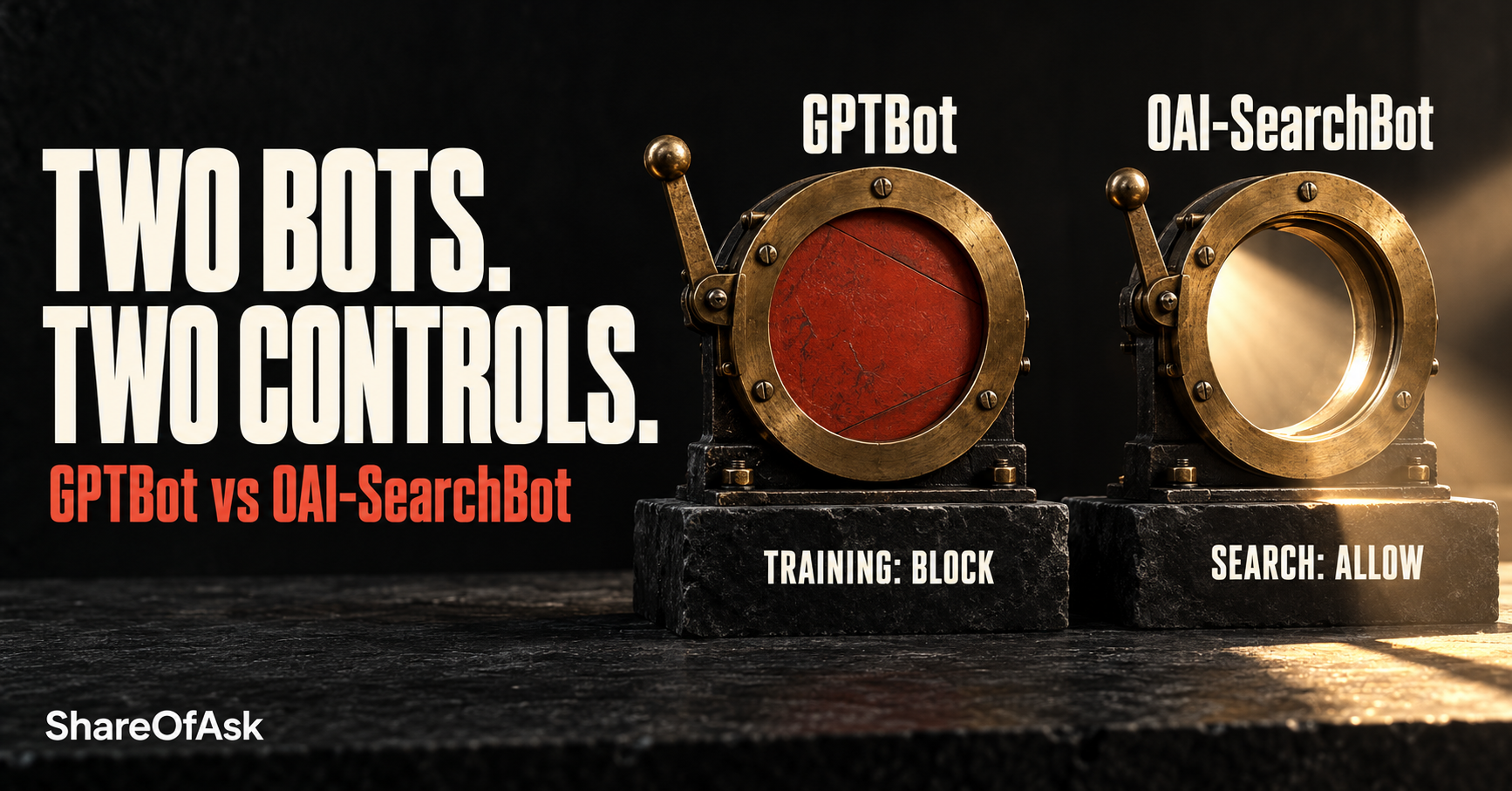
You can restrict OpenAI’s training crawler while keeping ChatGPT search crawling allowed. The operational risk is changing a broad bot-control setting without checking which purposes it covers.
Consider an illustrative scenario: your team enables “block AI bots” to limit training access. Before interpreting any change in search visibility, check the actual rules. As we explained in our 22 October post, blocking GPTBot doesn’t itself hide a site from ChatGPT search. Opting out of OAI-SearchBot excludes it from search answers, although navigational links remain possible.
This expands the crawler point in the broader AI visibility checklist. It’s a focused access-control guide, rather than a general GEO tutorial, ranking-factor list or legal assessment of scraping.
GPTBot and OAI-SearchBot have different jobs
OpenAI’s crawler documentation separates automatic crawling from actions triggered by users. The relevant controls serve different purposes:
| Crawler or user agent | Purpose | robots.txt control | Intended consequence of disallowing |
|---|---|---|---|
| GPTBot | Crawls content that may be used to train OpenAI’s generative AI foundation models. | A GPTBot group. | Indicates that crawled content should not be used for training. |
| OAI-SearchBot | Surfaces websites in ChatGPT’s search features. | An OAI-SearchBot group. | Opted-out sites are excluded from search answers, but can still appear as navigational links. |
| ChatGPT-User | Handles user-initiated visits and GPT Actions; it doesn’t crawl automatically. | robots.txt may not apply to these user-initiated actions. | This is not the control for opting out of Search. |
OpenAI describes these settings as independent: you can allow OAI-SearchBot and disallow GPTBot. If both are allowed, OpenAI may use the results of one crawl for both purposes to avoid duplicate crawling.
So, is ChatGPT a web crawler? That question bundles together several mechanisms. Search crawling, training crawling and a user asking ChatGPT to visit a page need separate treatment.
How to block training while keeping search access
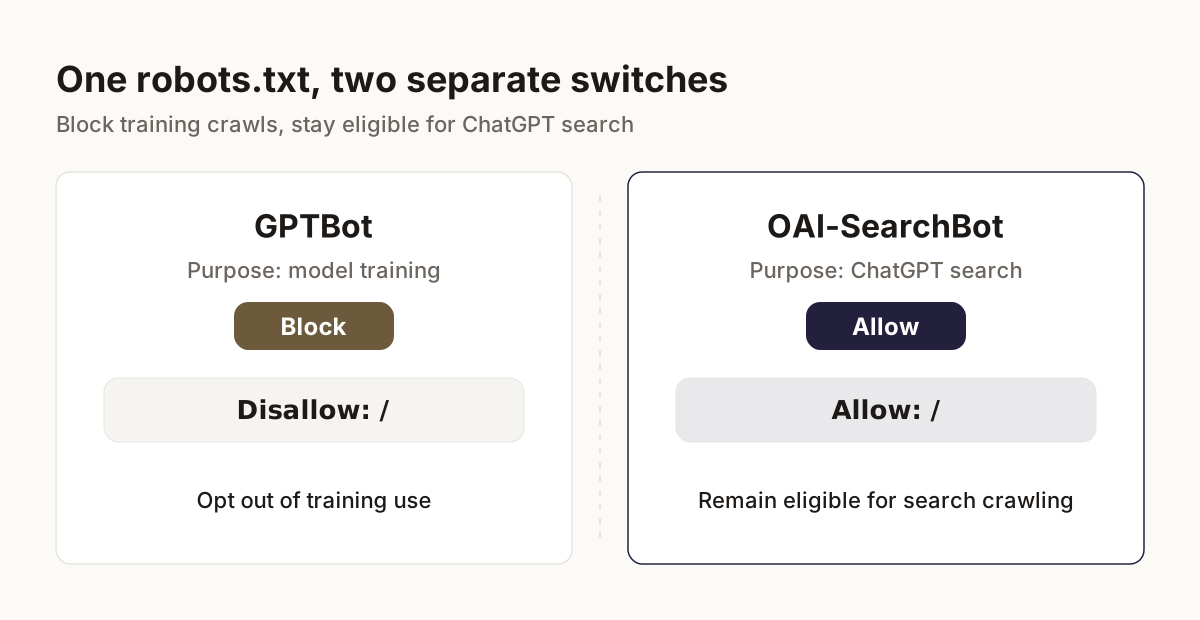
A configuration for that specific policy
If your policy is to opt out of training while remaining eligible for ChatGPT search, this illustrates the relevant robots.txt groups:
User-agent: GPTBot
Disallow: /

User-agent: OAI-SearchBot
Allow: /
This is not a complete replacement file. Have the website owner reconcile it with existing groups and path restrictions before deployment. Don’t open authenticated or private paths to make the example work.
Existing rules still need review
Under the Robots Exclusion Protocol, RFC 9309, crawlers match user-agent tokens case-insensitively and combine groups matching the same token. They fall back to the * group only when no specific group matches.
An existing User-agent: * group with Disallow: / therefore blocks OAI-SearchBot unless it has its own matching group. Within applicable rules, the longest matching path wins; RFC 9309 says an equivalent Allow rule should take precedence. Duplicate groups and existing path rules need checking, rather than simply appending the example.
RFC 9309 also states that robots.txt rules are not access authorization. Keep authentication and other security controls in place: robots.txt isn’t a security boundary.
Check the CDN and firewall as well as robots.txt
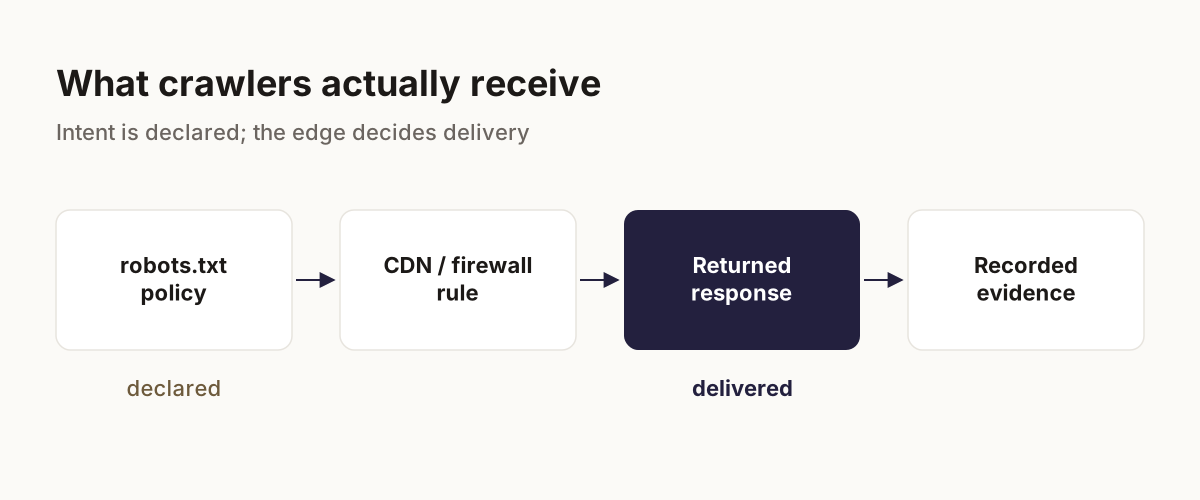
Declared policy and delivered response
Run two checks independently. First, inspect what robots.txt declares. Then inspect what the delivery layer actually returns for the selected public URLs, including the HTTP status and response content. An allow rule in robots.txt doesn’t override a firewall block or challenge.
In Cloudflare’s AI bot policies, Search, Agent and Training are separate presets. Each offers Block, Block on pages with ads, or Allow. Training includes mixed-purpose crawlers used for both training and search.
Cloudflare identifies 15 September 2026 as the deprecation date for the legacy “Block AI bots” setting. Its updated defaults for new domains block Training and Agent on pages displaying ads while leaving Search allowed. Inspect the current configuration; an “AI bot” block doesn’t necessarily block every search crawler.
Collect evidence from the edge
In Cloudflare, check Security Events under Analytics > Events and filter by user agent. Security Events records requests that security products actioned or flagged. Sampled logs may omit events, and retention is up to 31 days.
OpenAI recommends allowing requests from its published IP ranges. Use the current JSON files linked from its crawler documentation when maintaining rules, rather than copying a static IP list from an article.
A test using a spoofed user-agent string from your own IP shows how the edge responds to that test. It doesn’t prove that a genuine crawler can reach the site. Equally, a matching user-agent string alone isn’t enough to trust a request. Adjust the specific blocking rule; don’t disable bot protection wholesale.
What this changes and what it does not prove
Access and timing
The OAI-SearchBot opt-out controls eligibility for ChatGPT search answers, with the navigational-link exception described above. OpenAI says search systems can take about 24 hours to reflect a robots.txt update. Treat that as an adjustment window, not an inclusion or ranking deadline.
Allowing crawling guarantees neither inclusion nor recommendation nor traffic. Blocking crawlers also doesn’t erase existing knowledge of your brand: other sources and other product behaviors sit outside this control.
Answer measurement has a separate scope
A configured model run isn’t a replica of every consumer ChatGPT session or a technical test of OAI-SearchBot access. Keep delivery evidence separate from answer evidence. A before-and-after change in answers doesn’t establish that a crawler-rule change caused it.
Our methodology explains what an AI visibility measurement can establish. AI Presence is the number of answers mentioning your brand divided by measured answers in scope, multiplied by 100. Failed requests are excluded, and a brand counts once per answer. The result describes that measured scope.
A short handoff for your website owner
Write a testable change record
To check whether a host has robots.txt, request /robots.txt at its root. RFC 9309 treats that path as implicitly allowed. Then give the website owner a compact record:
- Selected public URLs and the intended training/search policy.
- Current robots.txt groups and relevant path restrictions.
- The applicable edge rule, observed action, response status and content.
- The change owner and timestamp.
- A post-change delivery recheck, plus a separate baseline and follow-up answer review.
Record “no request observed” as missing evidence. It doesn’t demonstrate successful access.
Schedule the answer review separately
Keep questions and selected models consistent on a repeatable monitoring cadence. With ShareOfAsk, you can review actual answers and sources for configured questions, then investigate the findings alongside the delivery record.
FAQ
What is GPTBot?
GPTBot is OpenAI’s crawler for content that may be used in foundation-model training. Its control is independent of OAI-SearchBot, as the comparison table explains.
What is oai SearchBot?
OAI-SearchBot surfaces websites in ChatGPT’s search features. Opted-out sites are excluded from search answers, though they can still appear as navigational links.
Does ChatGPT crawl websites?
OpenAI uses GPTBot and OAI-SearchBot for automatic crawling. ChatGPT-User handles user-initiated visits and actions. Not every ChatGPT response fetches a website afresh.
How to allow AI bots to crawl your website?
Choose the crawler and purpose you intend to allow. Reconcile its robots.txt group with existing rules, then check that your CDN or firewall delivers the intended public content to genuine crawler requests.
How can I view blocked requests in Cloudflare?
Open Security Events under Analytics > Events and filter by user agent. Review the action and triggering rule. Logs may be sampled; consult Cloudflare’s current documentation when interpreting missing events.
Once you’ve checked access, inspect where your brand appears in a selected set of answers to buyer questions. Start a Free Scan, review the answers, and choose what to investigate next.
About the author
Marcin Pastuszek is our founder. He has 15 years of experience in martech and co-founded Seodity and PQ Impact.